
How to Search Cases by Name
Start a name search at Missouri Case.net, the statewide public entry point. Pick the litigant-name mode, choose person or organization, and narrow to Livingston when the court selector lets you. That filter matters. The 43rd Judicial Circuit covers five counties. A common surname can bury the case you want without it. Before trusting a hit, match the case style, filing date, division, and status to what you already know.
A name match is not an identity finding. Try spelling variants if the name could have been recorded a different way. The case header gives context a name-only result can't. Never add private details just to force a match. And if you already have the case number, use it instead; it is the cleaner Livingston County search key.
- Open Case.net and select Litigant Name Search.
- Choose person or organization, then enter the available name fields.
- Narrow the court selector to Livingston when the current screen permits it.
- Open a likely result and compare its case header, division, filing date, and docket entries.
| Field | Type | Use | Livingston search note |
|---|---|---|---|
| Person / Organization | Selector | Choose the party type | Use the option that matches the case style. |
| Last, First, Middle | Text | Name search input | Check reasonable spelling variants and then inspect context. |
| Include Alias Information | Checkbox | Optional if displayed | Confirm the current label in the live Case.net screen. |
| Search for cases in | Dropdown | Optional court narrowing | Select Livingston when the current participating-court list allows it. |
Note: A result row is just a lead. The real Livingston County context sits in the case header and docket history.
Livingston Case.net Search Modes
Case.net gives the public four ways to run a Livingston County court docket search: Litigant Name, Filing Date, Case Number, and Scheduled Hearings & Trials. Each mode answers a different question. A filing-date search pulls up cases opened inside a window of dates. A hearing search, by contrast, finds calendar events. Those can shift after the index refreshes. Every mode uses the same court selector plus Find and Clear controls. Field labels can change, so check them on the live portal.
When a search leaves the division unclear, go local. The Livingston County Circuit Clerk page points to the office that runs circuit-court record workflow. Do not confuse this office with the County Clerk. That office handles county administration and elections rather than court dockets. Probate, small claims, associate, and municipal matters each sit with their own division. Ask which one holds the file.
That Circuit Clerk page also shows the records office behind this Livingston County case lookup route, which is why a portal result sometimes needs a follow-up call to the right division.
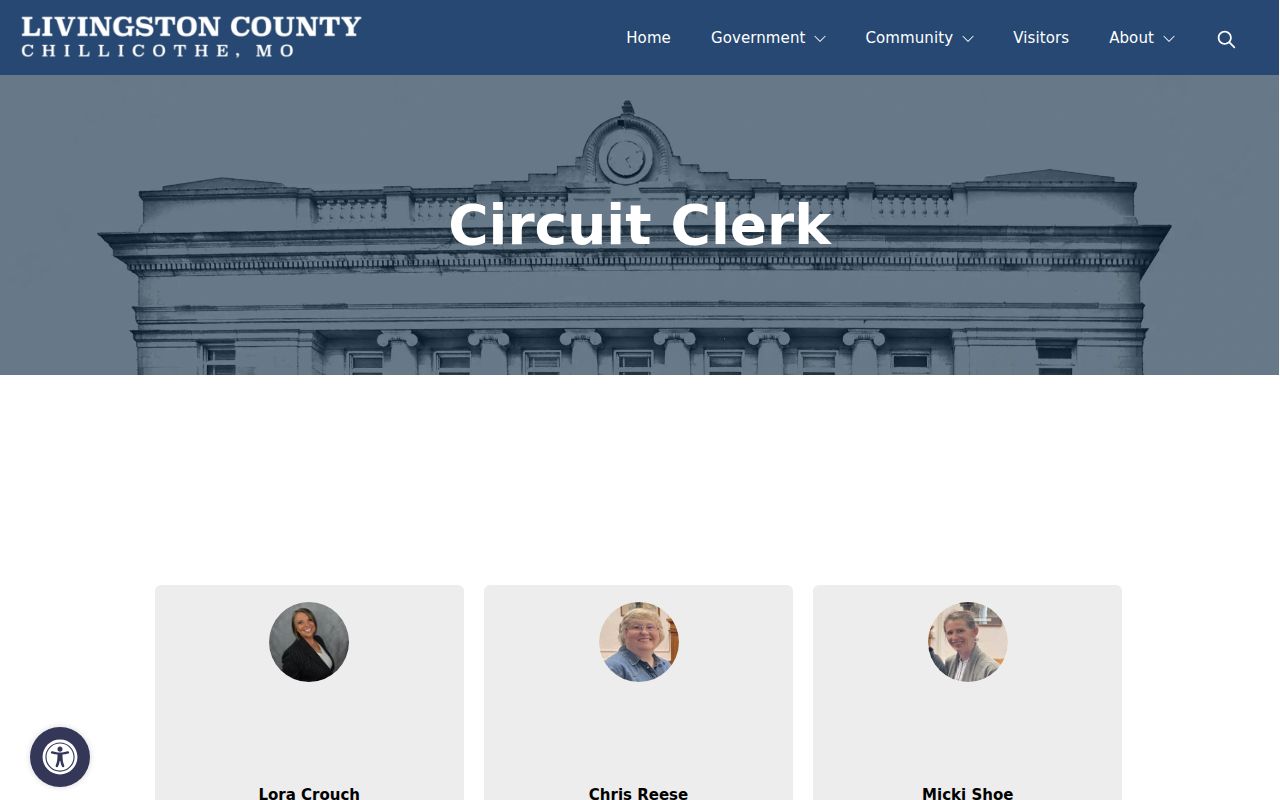
The clerk route stays open whenever Case.net can't name the division or a public search result needs a records-access follow-up. That's its job.
How to Search by Case Number
Case Number Search works best when an official notice, order, or case header has already given you the number. One verified Livingston civil example is 16LV-CC00104. It shows what an exact civil search looks like. It is not a coding rule for every Livingston County case. Don't build a criminal, traffic, or municipal format from it, and don't invent a number when the real one is missing. The OCN search works the same way: it needs an OCN that came from an official court record.
A blank result can mean several things. A mistyped digit or stray punctuation, the wrong year or county, a nonparticipating court, a matter not yet indexed, or a restricted record. Check the number character by character first. If it still fails, search all participating courts, open a small filing-date window, and pin down the right Livingston County division before calling the clerk.
Livingston Case Search No-Result Checks
Begin with the paper in hand. Whether it is a citation, court notice, or older filing, check every character. Then widen the lens: the statewide participating-courts option helps when a Livingston County filter is too tight. No number at all? A filing-date search fills that gap. For a date question, Scheduled Hearings & Trials fits better. A Chillicothe ordinance matter may still need municipal-division routing. It stays inside the circuit-court structure either way.
If the search still comes back empty, call the courthouse at (660) 646-8000. The menu routes you: Press 1, then Press 3 for the Circuit Clerk, or Press 1, then Press 1 for associate traffic, probate, municipal, and small-claims. Ask whether the file sits in a division, sits at a public terminal, or is closed, sealed, expunged, juvenile, or not yet indexed. Never try to beat a restriction by guessing more identifiers.
What a Case Search Shows
A Case.net result can open into a Case Header and Docket Entries. The header holds the core facts of the case. Docket Entries list everything in order: filings, hearings, orders, service events, settings, and dispositions. Read dates with care. A filing date marks when the clerk logged a paper, not when a hearing happened. A scheduled hearing is its own calendar event. It can be continued or reset.
| Case number | The court identifier used to locate the file. Use it exactly as issued. |
|---|---|
| Case header | Metadata such as case style, court or division, filing date, judge, and status. |
| Docket Entries | Chronological entries for filings, hearings, orders, settings, service, and disposition. |
| Scheduled hearing | A calendar event connected to the case, not a guarantee that the event was held. |
| ECASE | A Case.net marker indicating an electronic case file. |
Need the full document behind an entry? The local request path is laid out in the Livingston County court records section.
Livingston Case Document Links
A clickable link on a docket entry is a good sign. It usually means an associated document can be opened. No link, though, does not mean no filing. The paper may simply not be attached. It may not be public from home, or it may sit behind an authorized login or a courthouse terminal. Case.net's own viewer help covers the details: how to sort entries, preview a file, open full view, print, or download what is available.
Access rules come from Missouri Court Operating Rule 4 material, which sets the framework balancing public automated searches against confidential records. Remote viewing of public documents generally applies to filings made on or after July 1, 2023, once a court turns the feature on. Older items can still show in a docket even when the image itself is only viewable at the courthouse terminal.
That rule draws the line. It separates a Livingston County case record you can search from a document you can view from afar. It never loosens the court's confidentiality rules.
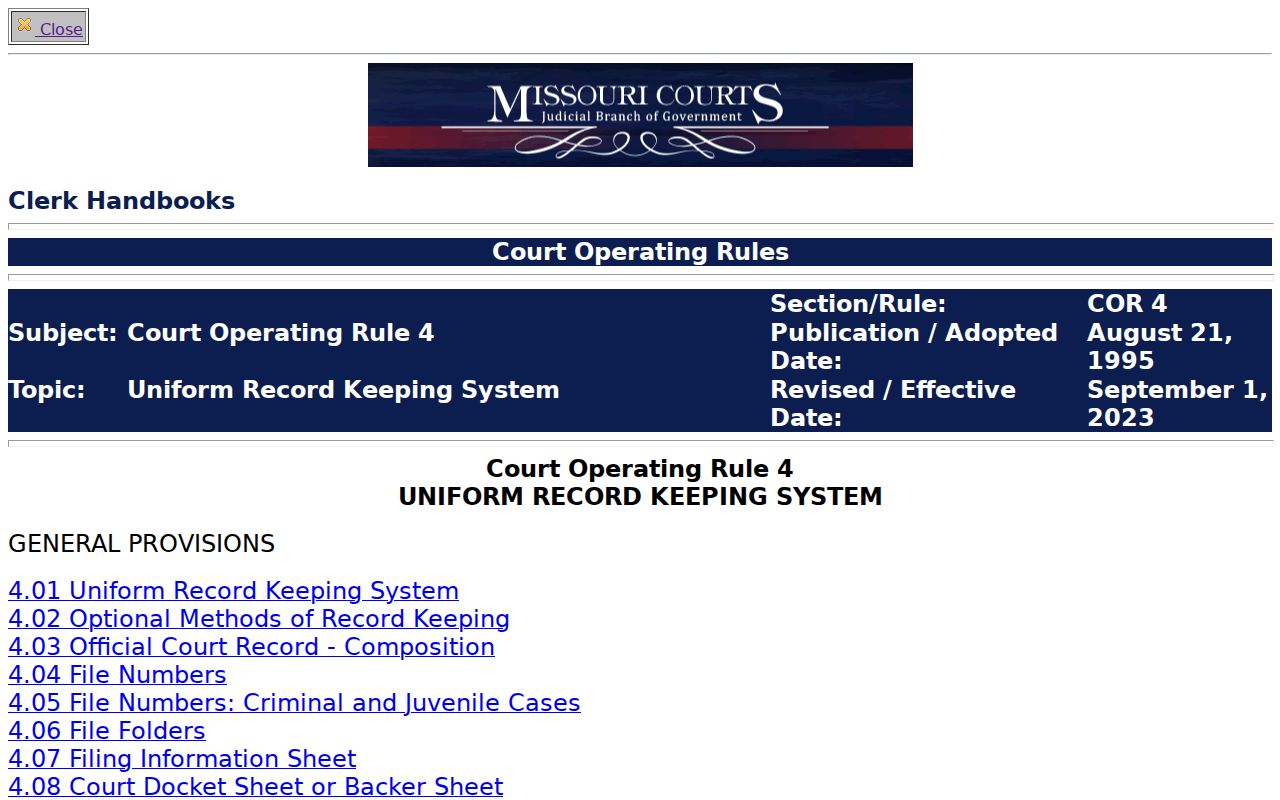
For Livingston County searchers, that access boundary is a practical nudge. Use the public terminal at the courthouse, or ask the clerk how to get a permitted copy.
County vs Statewide Case Search
Case.net is the statewide public docket search. It also doubles as the way to narrow to Livingston County through its participating-court selector. No separate Livingston County docket vendor exists. Start statewide when the county is unclear or the case may sit in another court. Pick the Livingston County selection when the court is known and the results need tightening.
| Search approach | Best use | What to confirm |
|---|---|---|
| All participating courts | County or court is uncertain | Review the court, division, and filing details in each result. |
| Livingston County narrowing | A local case or local hearing is expected | Confirm that the current selector includes the needed Livingston division. |
| Courthouse public terminal | Older or remotely unavailable material | Ask the Circuit Clerk which division and record type to request. |
Livingston Filing and Hearing Searches
Two searches sit side by side on the Livingston County docket tools. They answer different questions. Filing Date Search tells you which cases were filed inside a date range you choose. Scheduled Hearings & Trials Search works the other way. It hunts for upcoming court events, starting from a date you enter. You can narrow it by judge, commissioner, or attorney, plus a single-day or seven-day span. The gap between the two matters. A case may be filed long before any hearing is set. A hearing on the calendar today can move after a continuance or reset.
One more structure can trip people up. The 43rd Circuit opens its terms on the second Monday of February, June, and October. A term is just an administrative calendar frame, though. It is not your hearing date. The notice you received, or the docket entry itself, controls. When you truly must be in the room, call the Livingston County division handling the case. Confirm the time and place.
Livingston Case Header Review
Case.net may hand back a likely match. Open the Case Header before trusting any single docket entry. The header ties the case number to a court or division. It also lists case style, filing date, judge, and status. That matters most after a Livingston County name search. Similar names can return several results. Match the header against your notice or official case number rather than a result-row label.
Next, read Docket Entries in date order. A setting can fall later than the filing date. A disposition belongs to the exact entry or order that states it. Read in this order. It keeps a Livingston County case search anchored to the court's own record, not to a guess pulled from one isolated field.
Restricted Cases and Access Rules
Public docket access has real limits. A Livingston County case might be missing from remote results. Its documents may be withheld too. The reason could be that it is confidential, sealed, expunged, juvenile, sensitive, not yet imaged, or open only at a courthouse terminal. A case header or docket event can be public. The document behind it may not be. A no-result search and a no-public-document case are two different outcomes.
Missouri law sets these boundaries. RSMo 610.140 covers expungement confidentiality, and RSMo 211.319 governs juvenile-file confidentiality. Ask the Livingston County Circuit Clerk about the right route. A public terminal, a redacted version, or a court order may apply. The clerk explains procedure but cannot waive an order or a statutory limit.
Note: A Livingston County case search has clear uses. It works for finding a court matter, reading a public docket, checking a hearing date, or requesting a permitted copy from the responsible office.